


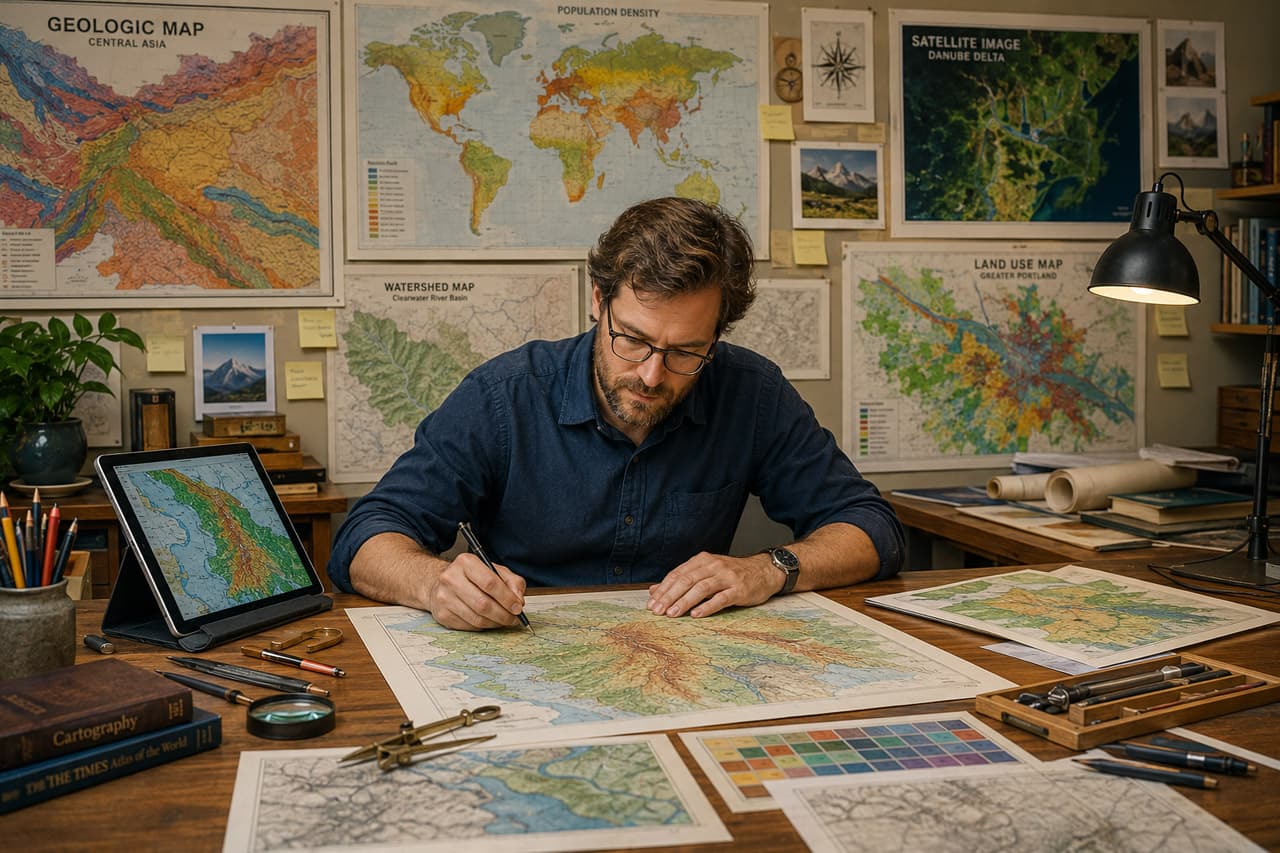
Hero image caption: A cartographer’s studio with sketches, colour swatches, projection grids, printed map drafts, and a GIS workstation — where geographic data becomes visual communication.
A bad map is worse than no map — it creates false confidence in wrong information. A table full of numbers may look intimidating, but most readers know they must interpret it carefully. A map, however, feels immediate. It appears authoritative. If the colours are misleading, the labels are crowded, the projection is inappropriate, or the hierarchy is weak, the map can quietly persuade people toward the wrong conclusion.
Cartographic design is therefore not decoration. It is the craft of making spatial information understandable, honest, and useful. For GIS practitioners and geography students, learning cartography means moving beyond “putting layers on a map” and toward designing a visual argument that readers can follow.
The Five Core Cartographic Principles
Good maps usually succeed because several design principles work together. They guide what the reader sees first, what they understand next, and what they remember after looking away.
| Principle | What it means | Common mistake | Fix | |
|---|---|---|---|---|
| —————- | ——————————————————————————— | ———————————————————— | ————————————————————————————————– | |
| Visual hierarchy | Important features should stand out before supporting details. | Every layer has equal visual weight. | Use stronger contrast, thicker lines, larger labels, or brighter symbols only for key information. | |
| Legibility | Text, symbols, and boundaries must be readable at the intended scale. | Labels are too small or placed over complex backgrounds. | Increase label size, add halos, simplify background layers, and test at final output size. | |
| Simplicity | Include only what supports the map’s purpose. | Adding every available GIS layer “just in case.” | Remove non-essential layers and generalize features. | |
| Balance | Map body, legend, title, scale bar, north arrow, and notes should feel organized. | Layout elements are scattered or oversized. | Align elements, group related items, and leave enough white space. | |
| Truthfulness | Design should not exaggerate or hide spatial patterns. | Using dramatic colours or unsuitable classification methods. | Choose appropriate classification, projection, scale, and legend wording. |
These principles are not rigid rules. They are questions to ask while designing: What should the reader notice first? Is the map readable? Is anything unnecessary? Does the design distort the message?
Colour That Works
Colour is one of the most powerful tools in cartography, but also one of the easiest to misuse. A beautiful palette is not automatically a good palette. The right colour scheme depends on the data.
For sequential data, such as population density or rainfall intensity, use a light-to-dark progression. The reader naturally understands darker or stronger colours as “more.” For diverging data, such as temperature anomaly or election swing, use two contrasting hues around a meaningful midpoint. For categorical data, such as land-use classes, use distinct hues that do not imply order.
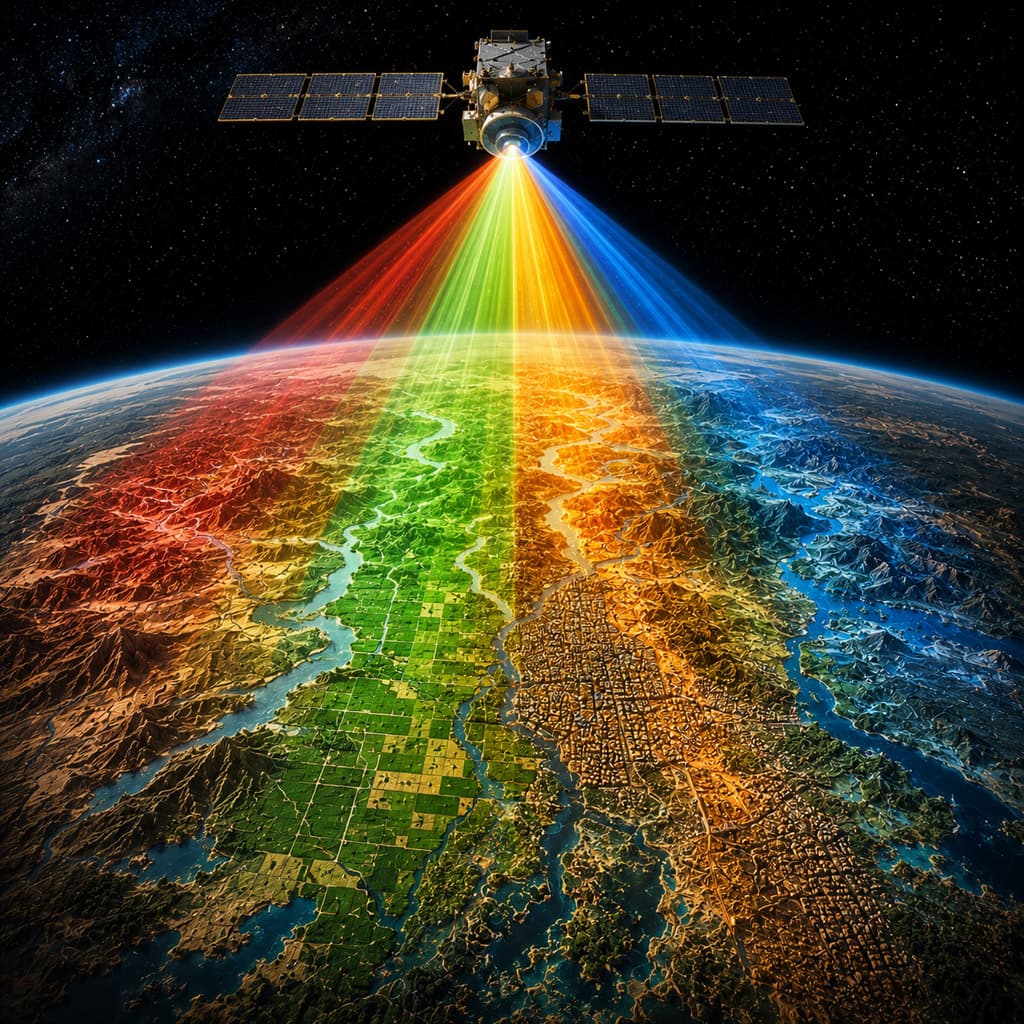
Avoid rainbow colour schemes for continuous data unless there is a strong reason. Rainbows create artificial boundaries, vary unevenly in perceived brightness, and can confuse readers with colour-vision deficiencies. Instead, use perceptually ordered palettes and test whether the map still works in grayscale.
Colour should also respect convention. Water is usually blue. Forest is often green. Built-up areas are commonly grey, red, or brown. Breaking convention can be effective, but only when it improves communication rather than novelty.
Typography on Maps
Typography is cartography’s quiet voice. It names places, explains symbols, and guides attention. Poor typography makes even accurate data feel chaotic.
Map labels should have hierarchy. Country names may be larger and widely spaced; city names smaller but bold enough to read; rivers italicized or curved along their path; minor features lighter and less prominent. The goal is not to label everything equally. The goal is to help the reader understand geographic structure.
Placement matters as much as font choice. Labels should be close to the features they describe, but not cover important symbols. Point labels are often best placed slightly above and to the right, but this is not universal. River labels should follow the river. Area labels should sit within the polygon where possible. A subtle halo can separate text from complex backgrounds, but heavy halos can make the map look noisy.
Good typography also requires restraint. If the map cannot hold all labels clearly, the answer is not smaller text. The answer is scale change, label filtering, inset maps, or interactive labeling.
The Figure-Ground Problem
One of the oldest challenges in cartography is figure-ground organization: helping the reader distinguish the subject of the map from its background. If the map is about flood-prone districts, those districts are the figure. Administrative boundaries, roads, rivers, terrain, and neighbouring areas are ground.
Problems occur when background layers compete with the theme. A satellite image may look impressive, but if it fights with thematic polygons, it weakens the message. A dense road network may be useful for navigation but distracting in a climate-risk map.
Figure-ground can be improved by using contrast, transparency, line weight, blur, masking, and selective detail. For example, a study area can be shown in full colour while surrounding regions are muted. A thematic layer can use stronger saturation while basemap features remain pale. The map reader should never have to ask, “What am I supposed to look at?”
“A good map answers the reader’s first question. A great map also anticipates the second one — without making the page feel crowded.” — Senior cartographer
Tools of the Trade
Modern cartographers work across both GIS and design environments. QGIS and ArcGIS Pro are strong for data preparation, projections, symbology, labeling, and layout. Adobe Illustrator, Affinity Designer, and Inkscape are often used for final refinement. Web cartography may involve Mapbox, Leaflet, OpenLayers, deck.gl, D3, or vector tile workflows.
For automation, PyQGIS is useful when exporting repeated layouts or map series. A minimal QGIS Python export looks like this:
from qgis.core import QgsProject, QgsLayoutExporter

layout = QgsProject.instance().layoutManager().layoutByName("My Map")
exporter = QgsLayoutExporter(layout)
exporter.exportToImage("output_map.png", QgsLayoutExporter.ImageExportSettings())
The QGIS API provides QgsLayoutExporter for exporting layouts, including image outputs through exportToImage() and image export settings. (QGIS API Documentation)
Another essential tool is theory. Jacques Bertin’s visual variables remain foundational because they explain how graphic marks communicate difference. His classic variables include: (Axis Maps)
- Position — placing points by coordinates, such as cities on a map.
- Size — using larger circles for larger populations.
- Shape — using different icons for schools, hospitals, and airports.
- Value — using light-to-dark shading for income or elevation.
- Colour hue — using different colours for land-use categories.
- Orientation — rotating line symbols to show direction or pattern.
- Texture — using patterns or hatching for wetlands, restricted zones, or uncertainty.
Finally, every cartographer must think about projections. A map projection transforms the curved Earth onto a flat surface, and every projection distorts something: area, shape, distance, direction, or scale. The right projection depends on purpose. A national land-area comparison may need an equal-area projection. A local navigation map may prioritize shape and angles. A world map for general education should avoid implying that high-latitude countries are far larger than they really are.
The Tissot indicatrix is a useful diagnostic tool for projection distortion. It shows how small circles on the globe become ellipses on a projected map, revealing changes in area, shape, and angular relationships across space. (Manny Gimond)
Cartographic design is ultimately an ethical practice. It asks the mapmaker to respect both the data and the reader. A clear map does not shout. It guides. It reduces confusion without hiding complexity. It turns geography into insight.
Sources / References
- Axis Maps. “Visual Variables.” Axis Maps Guide to Visual Variables
- Making Effective Maps. “Visual Variables.” University of Colorado Pressbooks. Making Effective Maps: Visual Variables
- QGIS API Documentation. “QgsLayoutExporter Class Reference.” QGIS API: QgsLayoutExporter
- QGIS Documentation. “PyQGIS Developer Cookbook: Map Rendering and Printing.” <a href="https://docs.qgis.org/latest/en/docs/pyqgisdevelopercookbook/composer.html?utm_source=chatgpt.com”>QGIS PyQGIS Developer Cookbook
- Manny Gimond. “Tissot’s Indicatrix.” Tissot’s Indicatrix by Manny Gimond
- Esri ArcGIS Blog. “Tissot’s Indicatrix Helps Illustrate Map Projection Distortion.” Esri: Tissot’s Indicatrix







Responses (0 )